Customizable Multilingual Chat Messages
Quack AI now supports fully customizable system messages that automatically adapt to each user’s language, without manual setup. This enhancement gives teams better control over the chat experience while ensuring clear, relevant communication across languages.
What Are Custom System Messages?
System messages are predefined, automated messages that appear during a conversation. These messages help guide users through the experience, set expectations, and provide consistent information at critical points in the conversation flow.
With this update, you can now:
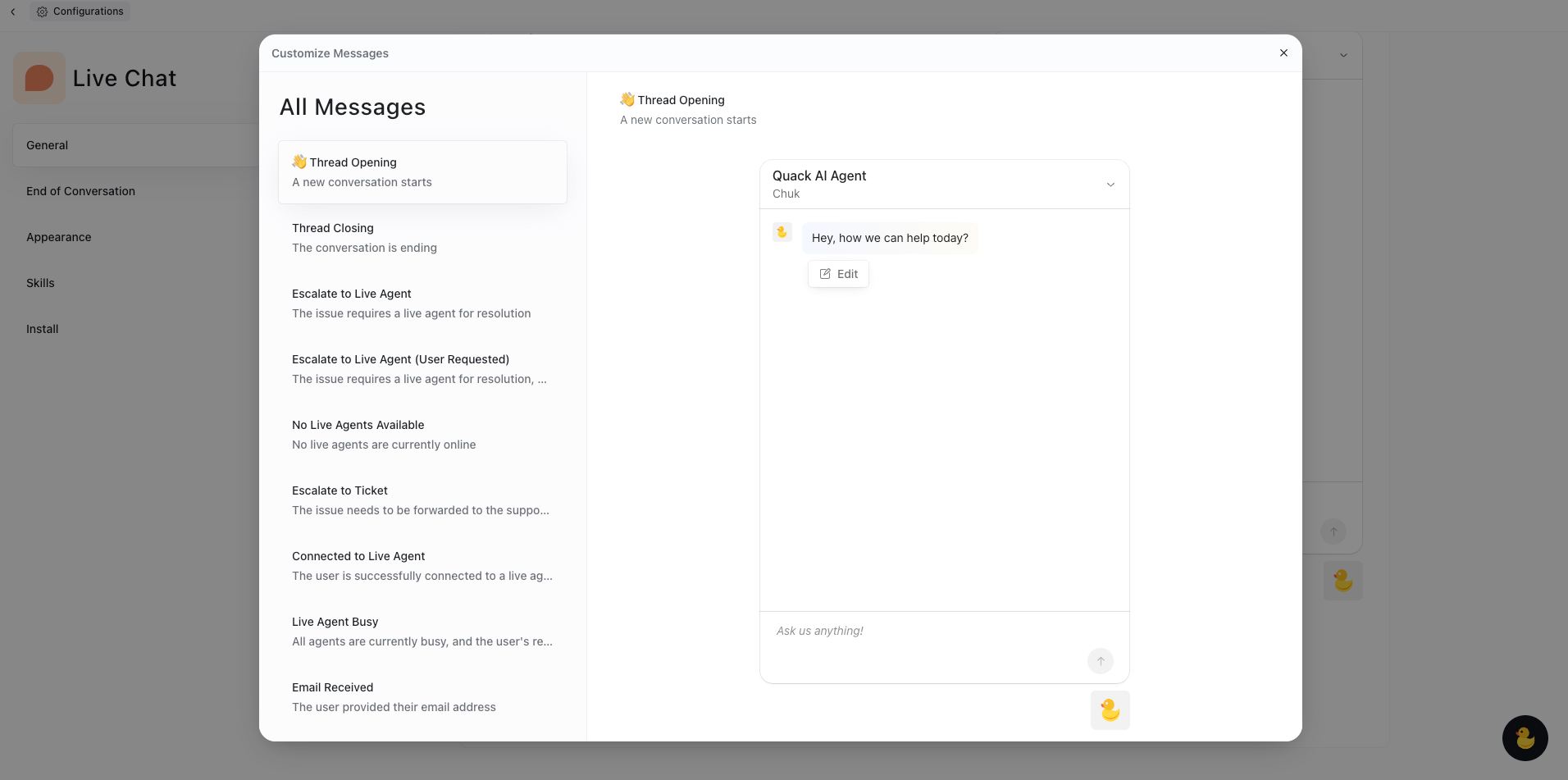
Customize system messages for different moments: greetings, fallback replies, closing messages, handoff notices, and more.
Trigger different messages automatically based on the stage of the conversation
Provide a consistent tone and brand voice
New: Language-Aware System Messages
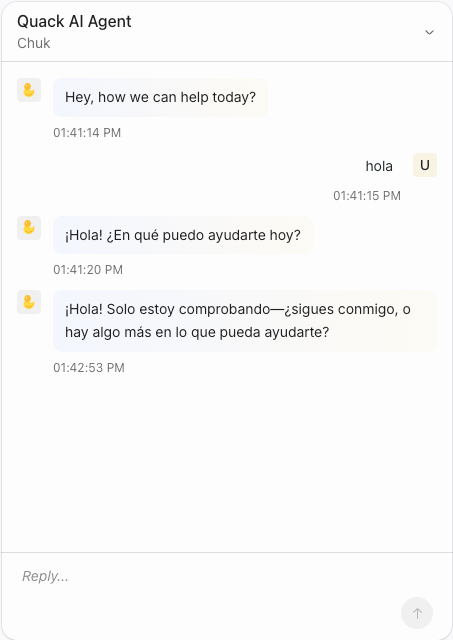
Quack AI now automatically delivers system messages in the user’s preferred language. You no longer need to predefine translations or manage multilingual content manually.
Here’s how it works:
Quack AI detects the user’s language in real time
System messages are translated automatically using high-quality AI translation
This ensures users get relevant, understandable information, no matter what language they speak.
How to Set Up Custom Messages
Go to your Quack AI account and select the Chat AI Agent you want to customize.
In the Training Center, click Configurations in the top-right corner.
Under General, go to Customize Messages
Go to the Conversation Settings tab in your Quack AI dashboard
Choose the message type you want to customize: Thread opening, Escalate to live agent, etc.
Click on edit and write your custom message in your primary language. Save it when ready.
Quack AI will auto-translate when needed, no extra input required.
Benefits
Save time with automated language support
Improve user experience with relevant, localized communication
Maintain control over tone and content
Scale multilingual support effortlessly
Was this helpful?
Still need help? Share an idea